Does it really need to be this hard?
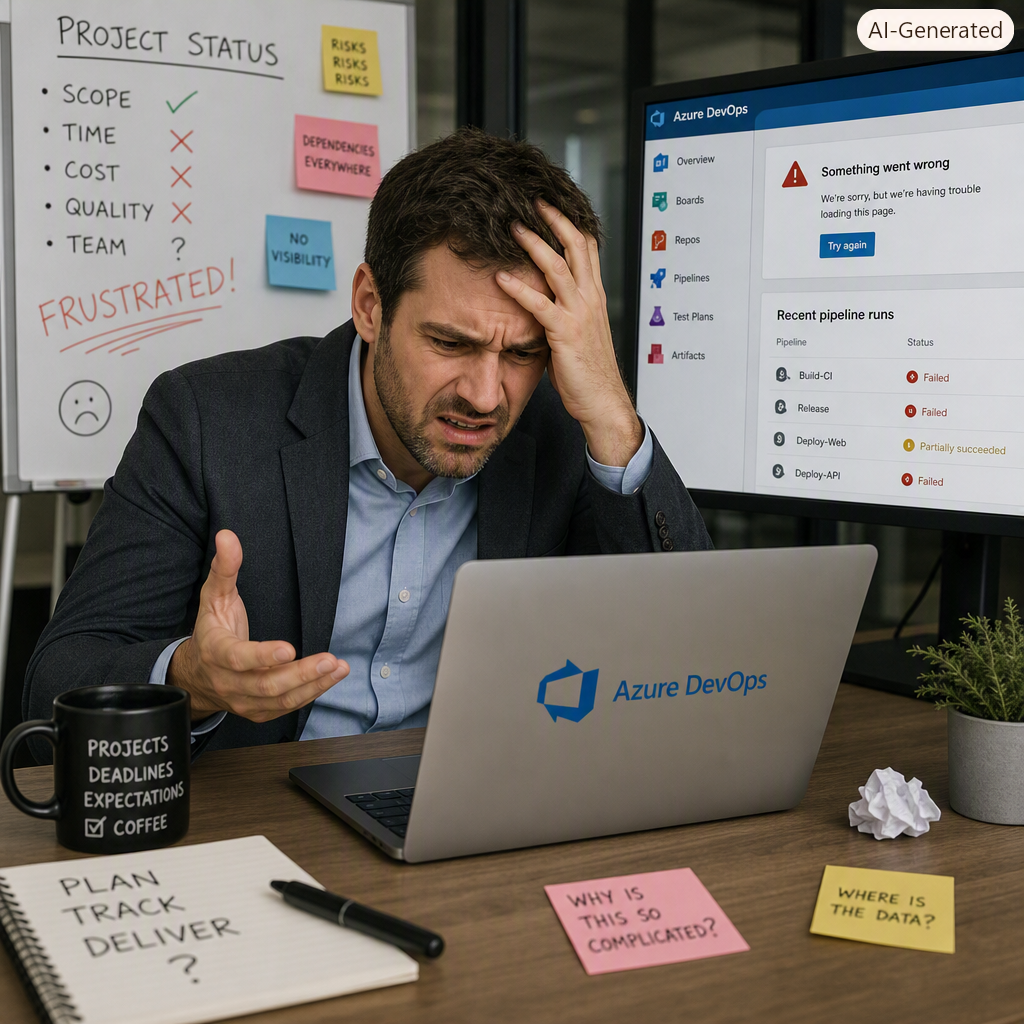
🚧 The Hidden Struggle Behind Azure DevOps Dashboards in ERP Implementations
Why dashboards break, drift, and lose trust — and how to build ones that actually matter
ERP implementations are massive, multi‑threaded transformations. They touch finance, supply chain, manufacturing, HR, integrations, data migration, testing cycles, and change management. With so many moving parts, Azure DevOps dashboards should be the single source of truth — but in practice, they often become a source of confusion, frustration, and mistrust.
🔍 The Real Problem: “Meaningful” Is Harder Than It Looks
ERP work doesn’t behave like traditional software development. Sprints don’t map cleanly to business milestones. Work items span multiple teams, repositories, and disciplines. And stakeholders range from developers to executives — each with wildly different expectations.
This creates three persistent dashboard challenges:
- Technical metrics don’t reflect business readiness.
A burndown chart doesn’t tell the CFO whether the GL is configured correctly.
- Data fragmentation breaks visibility.
Queries pull from inconsistent naming conventions, scattered work item types, and siloed teams.
- Dashboard sprawl dilutes clarity.
Every team builds its own view. Before long, you have 40 dashboards and no single source of truth.
🧩 The Maintenance Trap
Even a well‑designed dashboard decays quickly in an ERP project. As modules evolve, priorities shift, and teams reorganize, dashboards silently drift out of alignment.
Common failure modes include:
- Widgets breaking when queries are renamed or retired
- Metrics losing credibility when numbers don’t match status reports
- Stakeholders abandoning dashboards because they no longer answer the questions they care about
Dashboards aren’t “set and forget.” They’re living artifacts — and ERP projects change too fast for static reporting.
💡 How to Build Dashboards That Actually Matter
The dashboards that survive ERP project chaos share a few traits:
- They anchor to business outcomes, not sprint mechanics
- They use shared queries and naming conventions to prevent data drift
- They’re reviewed regularly as part of governance, just like RAID logs or cutover plans
- They stay visually simple, answering one question per widget
A meaningful dashboard isn’t the one with the most widgets — it’s the one stakeholders trust enough to use.
📣 Call to Action
If your ERP dashboards feel noisy, inconsistent, or disconnected from business reality, it’s not a tooling problem — it’s a design and governance problem. Start small, align metrics to outcomes, and treat dashboards as evolving products, not static reports.
Your ERP program deserves clarity. Azure DevOps can deliver it — but only with intentional design and disciplined maintenance.
Leave a Reply